How to email routes with road directions
There are two ways to email route plans:
- “Email & Navigate” green button at the bottom, will email all the routes shown in this RESULTS tab.
- “Email” will email this specific route plan. This is used for emailing each route plan separately.
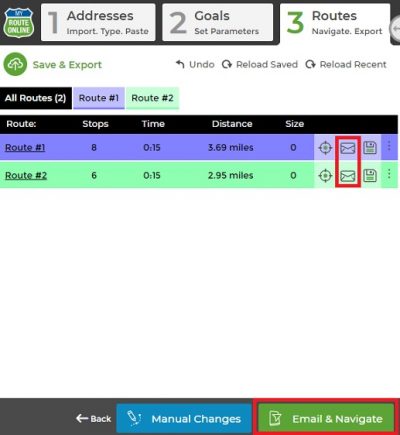
Two options to email routes
- Plan a route
- Click Email & App or the envelope icon
- Write a personal message or add a recipient
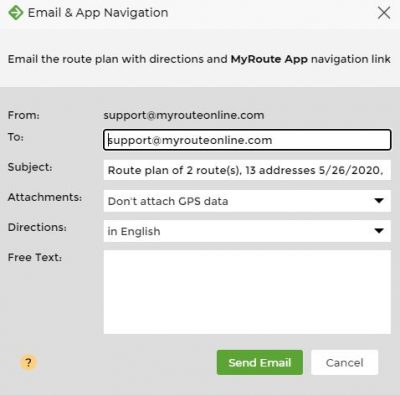
Email routes
- Make sure you get the confirmation message
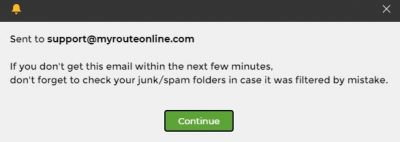
Email sent confirmation
- Open your mailbox to see your route
- Click on the link to Get Printed Directions
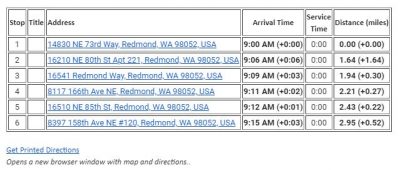
Get printed directions
This email includes a link to MyRoute App, to navigate with your smartphone.
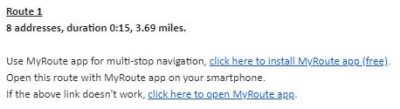
Click to open MyRoute app
+ Find out how to export your route plan to your GPS device.

