Multi-Stop Route Optimization vs. Turn-by-Turn Directions
July 22, 2026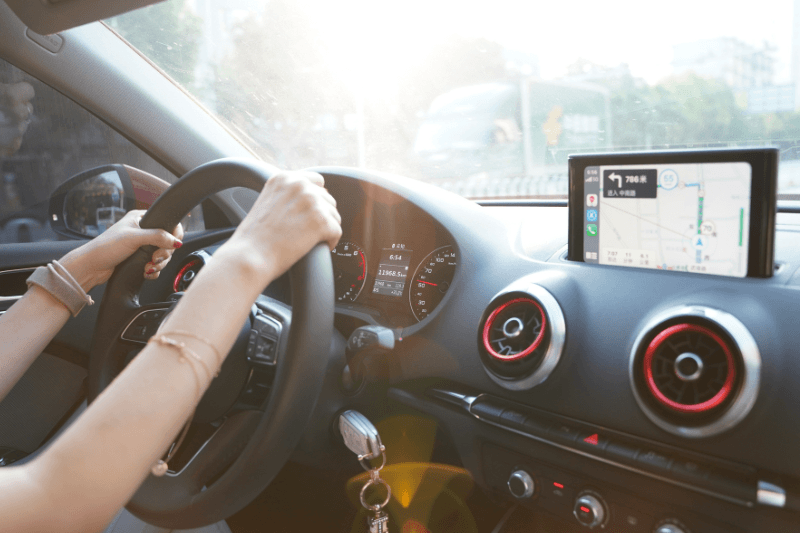
Turn-by-turn driving directions from apps like Google Maps and Waze calculate the fastest path between two points. Multi-stop route optimization software calculates the fastest order to visit many points, then generates directions for that sequence. The two solve different problems: one gets you from A to B, the other decides whether to go A to C to B or A to B to C in the first place, then gets you through all of them efficiently.
For a single errand, that distinction doesn’t matter. For a delivery run with 20, 50, or 200 stops, it’s the difference between a driver improvising their own order and a route that’s mathematically closer to the shortest possible path.
Turn-by-Turn Apps vs. Route Optimization Software
| Capability | Google Maps / Waze | MyRouteOnline |
| Stops per route | Around 9 to 10 waypoints | Up to 1,000 stops |
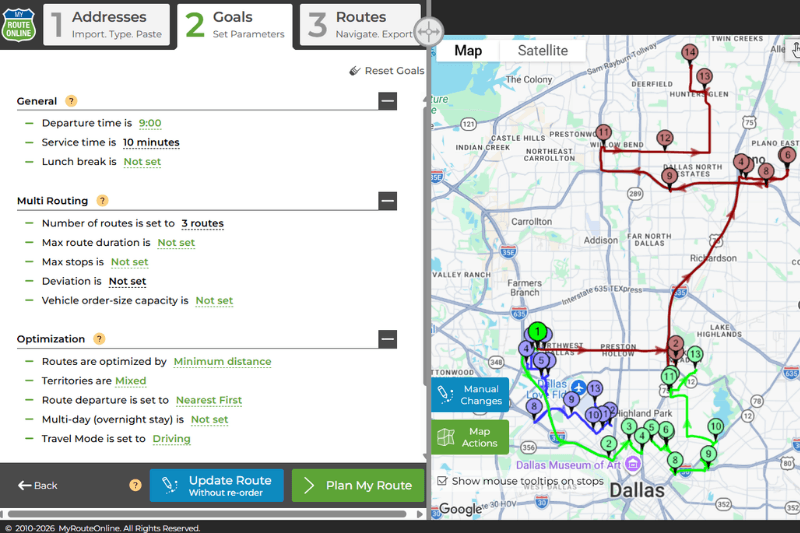
| Stop order | Set manually by the driver | Calculated automatically for the shortest route |
| Multiple drivers | One route per device, no dispatch view | Plan and dispatch several drivers from one account |
| Address import | Manual entry, one at a time | Direct import from Excel or CSV |
| Delivery time windows | Not supported | Stops can be scheduled within a set timeframe |
| Navigation handoff | Is the navigation app itself | Pushes each stop to Waze, Google Maps, or any navigation app, one at a time |
| Built for | Individual point-to-point navigation | Daily delivery and dispatch operations |
Why Stop Order is the Part that Actually Saves Miles
Turn-by-turn apps will get you between whichever stops you type in, but they don’t decide which stop should come first, second, or last. That decision is left to the driver, and with more than a handful of stops, guessing the efficient order becomes genuinely hard. This is a routing problem, not a directions problem, and it’s the part route optimization software is built to solve.
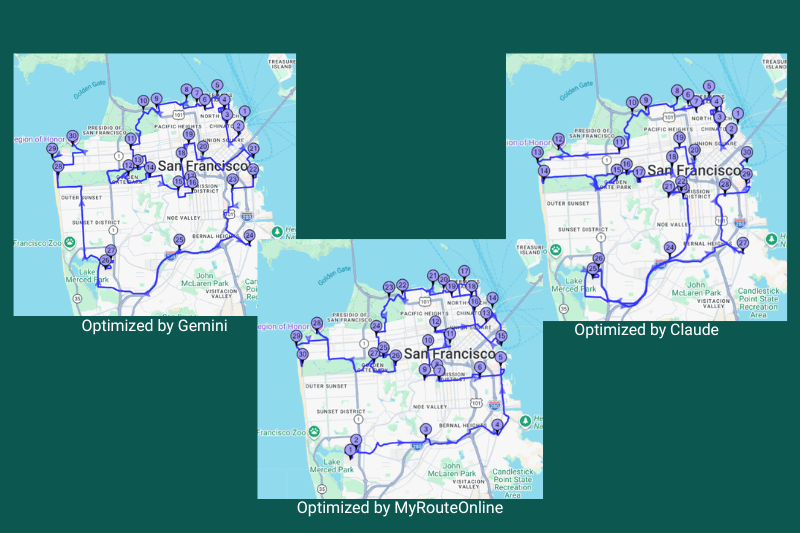
MyRouteOnline calculates the visiting order for up to 1,000 stops in a single route, using a patented routing engine (US Patent #9631938), then hands off turn-by-turn navigation for the optimized sequence.
Why this is a Harder Problem than it Looks
Finding the shortest way to visit a set of stops and return, or finish at a set endpoint, is a well known problem in computer science called the traveling salesman problem. It sounds simple because it’s easy to state, but the number of possible orderings grows extremely fast as stops are added. A route with 10 stops has over 3.6 million possible sequences. A route with 15 stops has over 1.3 trillion. Trying every combination by hand, or even guessing based on which stop looks closest next, quickly stops being realistic.
This is why the software matters more as a route grows. A driver can often eyeball a reasonable order for 5 stops. Past 15 or 20, the number of ways to get it wrong outnumbers the ways to get it right, and small mistakes in ordering translate directly into extra miles driven every single day.
What this Looks Like in Practice
A business bringing in delivery addresses each morning, for example a bakery supplying multiple retail branches, typically imports that day’s addresses from an Excel or CSV file rather than typing them in one at a time. The software calculates the shortest visiting order across every stop, factoring in delivery time windows where specific stops need to be reached within a set timeframe, then splits the workload across however many drivers are running that day, all from one account.
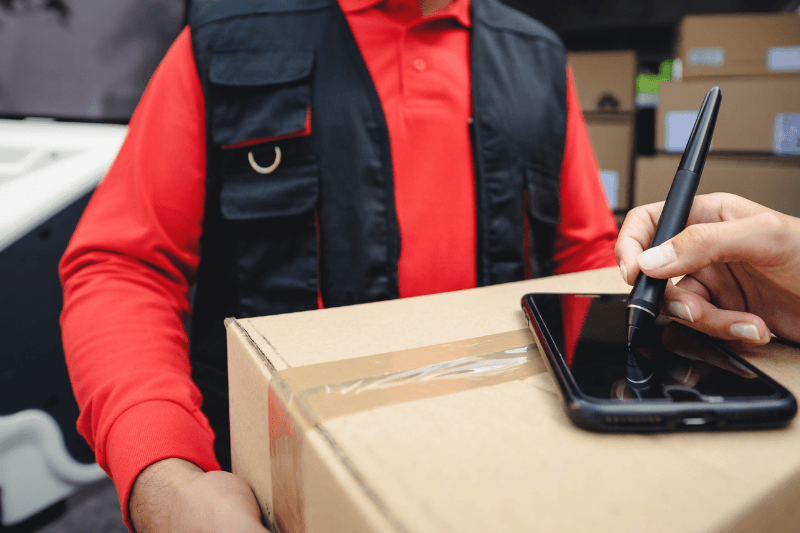
Once a route is optimized, MyRouteOnline’s dedicated navigation app pushes each destination to the driver’s phone one at a time, in the calculated order, and opens it directly in Waze, Google Maps, or any other navigation app installed on the device. As soon as one stop is completed, the app sends the next one, so the driver is always navigating with their preferred app rather than switching between a route planner and a separate maps app. Plans start at $19 per month for 50 orders and scale up to $799 per month for 15,000 orders, depending on delivery volume.
FAQ about Driving Directions
Can Google Maps optimize the order of multiple stops?
Google Maps lets you add multiple destinations to a route, but it doesn’t calculate the most efficient order for you, and it caps routes at around 9 to 10 waypoints. The driver still has to decide the sequence manually.
How many stops can a route optimization tool handle?
This varies by provider. MyRouteOnline supports up to 1,000 stops in a single route, well beyond what standard navigation apps allow.
What is the difference between driving directions and route optimization?
Driving directions calculate how to get from one point to another. Route optimization calculates the best order to visit several points, then generates directions for that sequence. Directions solve navigation; optimization solves planning.
Is route optimization software only useful for large fleets?
No. Any business planning more than a handful of stops in one trip, whether that’s one van or fifty, benefits from having the stop order calculated rather than guessed. Pricing scales from small daily routes up to large multi-driver operations.
Can an optimized route be used with Waze or Google Maps for actual driving?
Yes. MyRouteOnline’s navigation app pushes each stop in the optimized order to the driver’s phone one at a time, opening it directly in Waze, Google Maps, or any other navigation app installed on the device, and automatically sends the next stop once the current one is completed.