How to Plan Delivery Routes for Shorter Days
October 19, 2026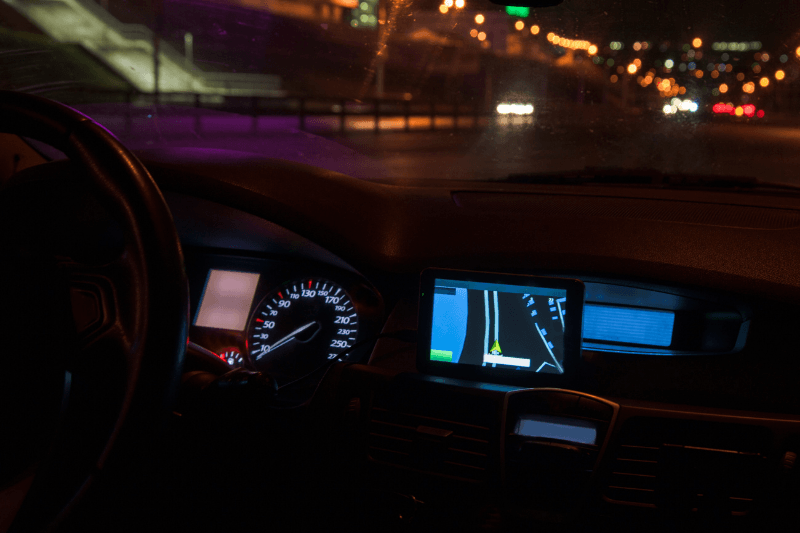
On Sunday, November 1, 2026, clocks in most of the US fall back one hour. For a few weeks the mornings get brighter, but sunset arrives about an hour earlier, and in much of the northern US it will be dark before 5 pm by mid-November.
For delivery teams the timing could hardly be worse. The switch happens just as order volume starts climbing toward the holidays. A route that finished in daylight last week may now end its last hour in the dark, with more stops on it than usual.
Arizona (outside the Navajo Nation) and Hawaii don’t observe daylight saving time, so teams there won’t see a sudden change. Everyone else should revisit how they plan their routes before that Monday morning.
What Changes for Your Drivers
The clock change doesn’t add miles to a route, but it changes how the last part of the day works.
- Stops take longer after dark. House numbers are harder to read, side entrances and gates are harder to find, and unlit driveways slow drivers down.
- Small delays add up. If your service times were set for summer, routes start running late. Late routes push even more stops into darkness.
- Customers react differently. Some are uncomfortable with a package left on the porch after dark and would rather receive it in person.
- Safety goes up the priority list. Drivers are walking unfamiliar paths in low light, and they share the road with pedestrians and kids heading home in the early dark.
None of this calls for a new way of working. It calls for a few adjustments to how routes are built.
6 Ways to Adjust Your Routes for Shorter Days
1. Rethink which stops come last
Optimization finds the most efficient order, but efficiency isn’t the only factor after dark. Look at the stops that usually land at the end of the day. Hard-to-find residential addresses, rural properties and large apartment complexes with poor signage are easier to handle in daylight. Businesses with lit parking lots or loading docks are better candidates for the last part of the route.
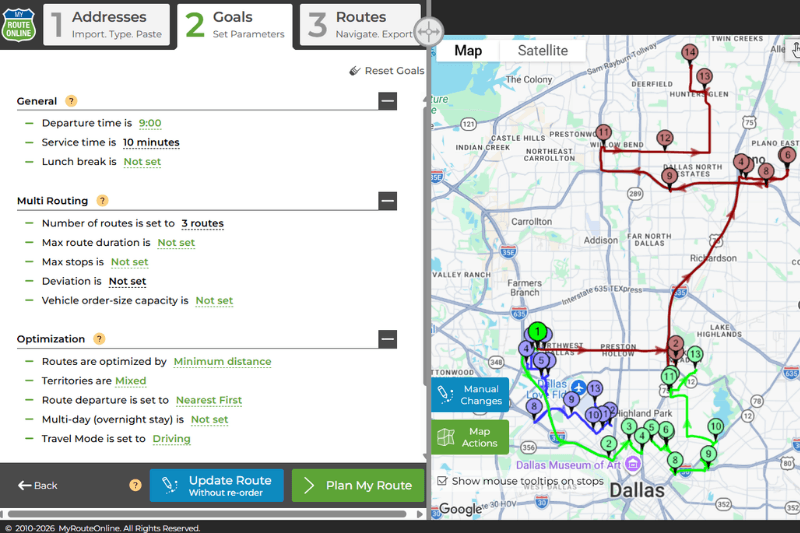
With MyRouteOnline you can optimize first and then reorder specific stops by hand, so you keep the efficient route and still move the difficult stops earlier.
2. Use time windows for daylight-sensitive stops
If certain customers need a daytime delivery, give them a time window, for example between 9:00 am and 4:00 pm. The optimization then builds the route around those windows instead of leaving them to chance. This works well for rural customers, gated properties and anyone who asked you not to deliver after dark.
3. Update your service times for winter
Service time is how long a driver spends at each stop. If you set it once and forgot about it, now is a good time to check it. Adding even a minute or two to residential stops gives a more realistic picture of the day. Since every route is affected, the extra time adds up and changes when drivers actually finish.
You can set a default service time for all stops, plus a custom time for locations you know take longer.
4. Limit route length so drivers finish closer to sunset
If routes regularly run past dark, set a maximum route duration or a maximum number of stops per route. MyRouteOnline will automatically split the work into more routes that fit those limits.
It’s a trade-off: more routes may mean an extra driver or vehicle during the busiest weeks. Compare that cost against late finishes, missed stops and the safety risks of a long day in the dark.
5. Start earlier when your customers allow it
After the change, mornings are lighter for a while. If your customers can receive deliveries earlier, moving the start of the day 30 to 60 minutes earlier keeps more stops in daylight. Check receiving hours for business customers first, since many won’t accept deliveries before they open.
6. Give drivers the details they need for dark stops
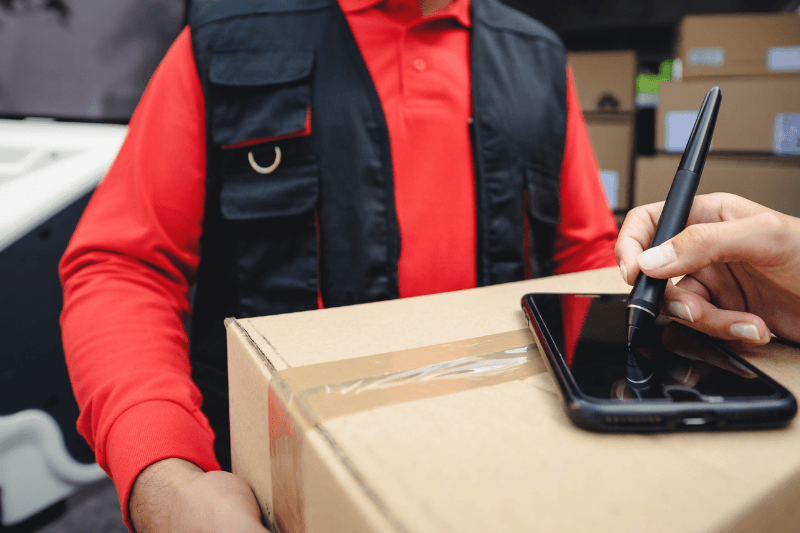
The more a driver knows before arriving, the faster the stop goes. Add a Comments column to the Excel file you import into MyRouteOnline, and fill in the details that matter after dark: gate codes, side-door instructions, or notes like “porch light is on the garage side.” The comments travel with each stop, so drivers see them when they reach the address. Drivers can also send customers an arrival notification. That gives the customer a chance to turn on a light or meet the driver at the door.
A Quick Checklist Before November 1
- Review last week’s routes and note which stops ended after 5 pm
- Add time windows for customers who need daylight deliveries
- Increase default service time for residential stops
- Set a maximum route duration that matches your new daylight hours
- Confirm earlier receiving hours with business customers if you plan to start sooner
- Add gate codes and entrance details to the Comments column of your import file
- Remind drivers about visibility gear and safe walking routes
Plan for the Season, Not Just the Switch
The clock change is a one-day event, but its effect lasts through the busiest stretch of the year. Days keep getting shorter until late December, right when holiday volume peaks. The adjustments you make now will matter even more in December than in the first week of November.
If you’re still planning your peak season capacity, read our guide on how long peak season actually lasts in 2026.
FAQ about Planning Delivery Routes for Shorter Days
When does daylight saving time end in 2026?
Sunday, November 1, 2026, at 2:00 am local time, when clocks move back one hour.
Does the time change affect route optimization?
The optimization itself isn’t affected, since distances and drive times stay the same. What changes is how many stops fall after sunset, so it’s worth reviewing time windows, service times and route length.
Should I start delivery routes earlier in winter?
If your customers can receive deliveries earlier, yes. Starting earlier puts more stops in daylight. Check business customers’ receiving hours first.
Which states don’t change their clocks?
Hawaii and most of Arizona (outside the Navajo Nation) stay on standard time all year.